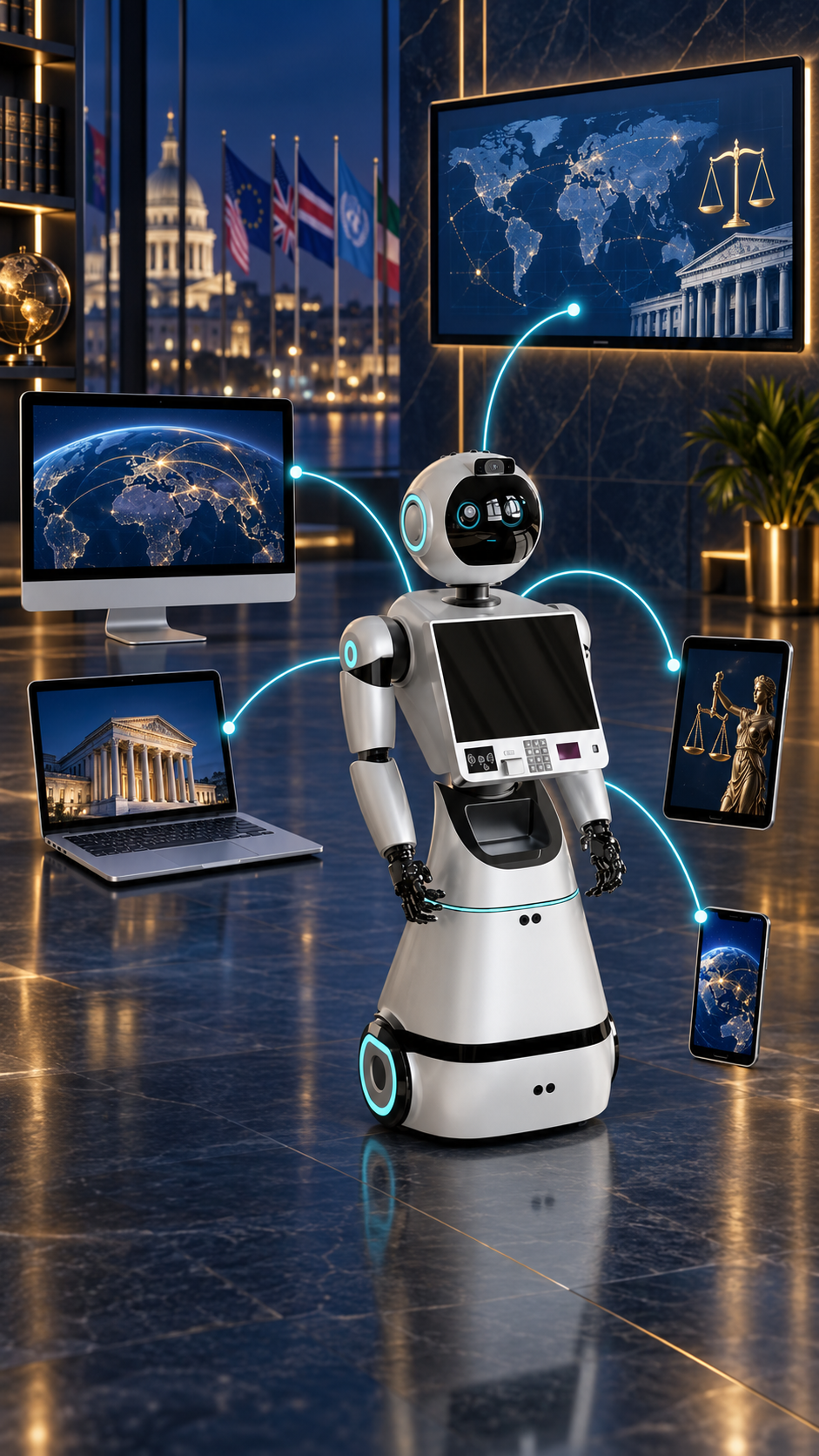
A law office is not one screen. Attorneys may review documents on a desktop, receive deadline alerts on a phone, conduct intake on a tablet, present a timeline on a smartboard, and meet a client in a reception area. When each surface operates as a separate island, context can be lost and work can be repeated.
A device-independent legal operating system addresses that problem by separating the intelligence layer from the interface. The same governed matter context can support different experiences without making any one device indispensable.
Software first, hardware optional
Robots create a visible and approachable interface for artificial intelligence, but legal intelligence should not stop when the robot is unavailable. A software-first architecture allows core functions to operate through conventional computers and web interfaces. A compatible robot becomes another authorized endpoint—not the sole location of the system.
This distinction supports continuity. A firm can begin with desktop and mobile workflows, add conference-room displays later, and deploy a robot when a physical presence serves a clear operational purpose.
Match the interface to the task
Desktop and laptop
Large displays and precise input are well suited to document comparison, research, drafting, exhibit organization, and final review.
Mobile phone
Mobile access can support alerts, calendar review, task confirmation, voice interaction, and rapid access to approved matter summaries. Sensitive data and device permissions require careful configuration.
Tablet
Tablets can support guided intake, interviews, signatures through approved services, document presentation, and mobile matter review.
Smartboard and conference display
A shared display can make timelines, evidence relationships, deadlines, and strategy maps easier for authorized teams to discuss. Screen-sharing controls should prevent exposure of confidential material to unintended viewers.
Kiosk or compatible robot
A physical interface can greet clients, provide general information, route visitors, support multilingual interaction, help with approved intake steps, or demonstrate the platform. It should not provide unsupervised legal advice or expose matter information in a public space.
The robot can be the face of the system. The governed legal workflow remains the foundation.
One matter, controlled experiences
Device independence does not mean every user sees everything. The system should apply role, matter, and task controls consistently. A receptionist may see visitor and appointment functions. An attorney may access privileged matter materials. A client may see only information approved for the client portal.
Organizations should also define session timeouts, screen-lock behavior, remote logout, local storage limits, microphone and camera permissions, and procedures for lost devices.
BAROBO-3 as an optional embodiment
BAROBO-3 is presented as an optional physical platform for reception, office assistance, education, public information, and demonstrations. Its head display, torso touchscreen, audio interface, cameras, navigation sensors, mobile base, and connected computing can support an interactive presence when appropriately configured.
Actual hardware specifications, autonomy, integrations, and operating environments depend on the selected configuration. Physical deployments require site assessment, safety procedures, network planning, accessibility review, maintenance, and staff training.
A practical deployment path
- Define the legal workflows and approved data before selecting devices.
- Assign roles and decide which functions belong on each interface.
- Pilot with a limited matter type or office workflow.
- Test privacy, accessibility, network reliability, and human escalation.
- Measure whether each device reduces friction for the people using it.
Technology should adapt to the legal organization, not force every professional into the same interface. A device-independent model gives firms room to choose how and where legal intelligence appears while preserving a consistent control layer.
This article provides general educational information. Capabilities depend on hardware, deployment configuration, licensing, network services, approved integrations, and organizational controls.
Meet the software and the robot
Explore MR. AL™ across office devices and the optional BAROBO-3 physical platform.
View the connected platform